See it work
The real app, on a real mess.
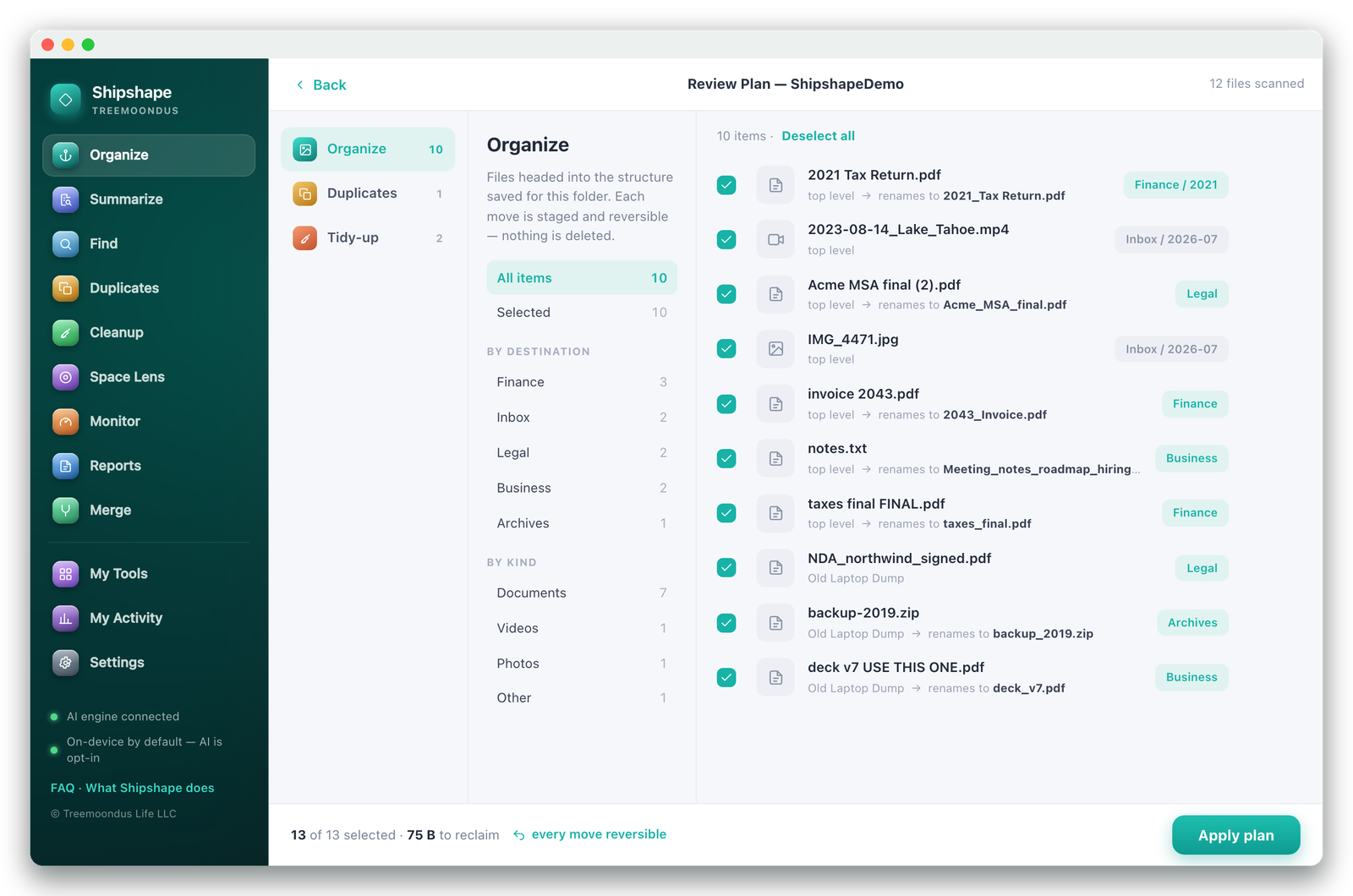
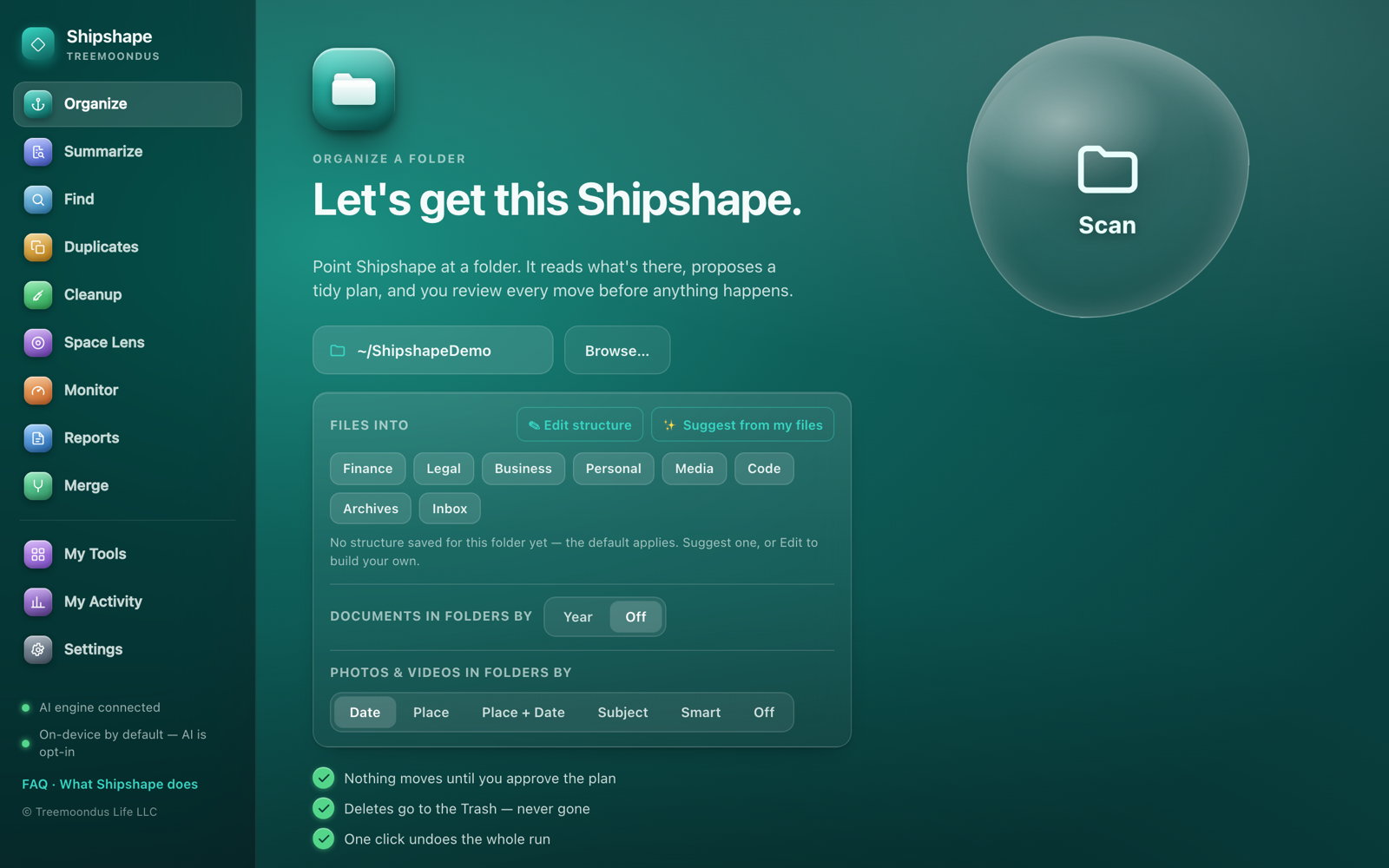
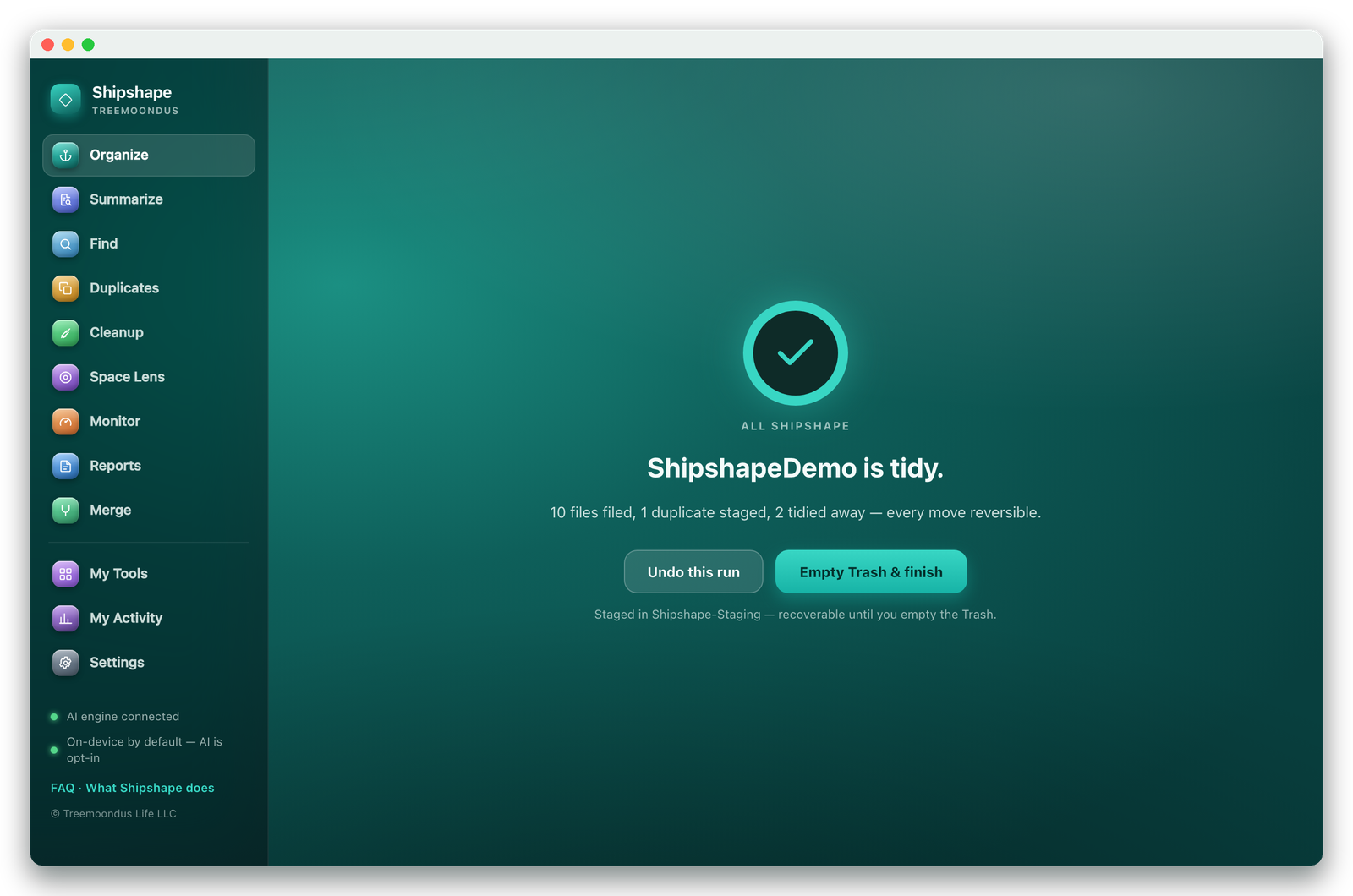
A folder of "taxes final FINAL.pdf" and "deck v7 USE THIS ONE.pdf" — scanned, understood, and proposed as a plan. These are unedited screenshots.
Mac file organizer · Treemoondus
Shipshape reads a messy folder, works out what everything actually is, and proposes a tidy-up you approve line by line. Nothing moves until you say so — and one click puts it all back.
Runs entirely on your Mac. No account, no upload. $29 once — yours to keep.
Windows coming soon — a version for Dell, HP, Lenovo and the rest is on the way.
Two jobs, done properly
Most cleaners stop at cache files and duplicates. Shipshape does that part — and then does the part nobody else will touch: reading what your documents are.
Point it at a folder. It proposes a structure — by type, by year, or one you draw yourself — and files everything into it.
Search the text inside every document, or ask for a plain-English rundown of a folder you haven't opened in three years.
The part that isn't a cleaner
A disk cleaner can tell you a folder is 4.2 GB. It cannot tell you it's seven years of client contracts with two years missing. Shipshape reads the documents and tells you in a paragraph.
Ask a folder: what's in here? · which years am I missing? · where's the NDA?
Folder summary · Documents/Business
This folder holds 214 business documents spanning 2017–2024. The bulk is client contracts and signed NDAs, with invoices concentrated in 2021–2022. Tax filings are present for every year except 2019 and 2023. Fourteen files appear to be drafts of the same services agreement, and three scanned documents have no readable text — likely photographs of paper.
Generated on your Mac. Private files are never sent anywhere without your explicit say-so.
See it work
A folder of "taxes final FINAL.pdf" and "deck v7 USE THIS ONE.pdf" — scanned, understood, and proposed as a plan. These are unedited screenshots.
Why you can point it at real files
This app moves and deletes things. That deserves more than a promise, so every destructive step is staged, reviewable and reversible by design.
Everything Shipshape removes goes to the macOS Trash, recoverable until you empty it yourself. There is no code path that erases a file outright.
Each run is a plan you read first, item by item, with anything uncertain switched off by default. One click reverses the entire run afterwards.
Organizing, search and duplicate-finding are fully on-device. The AI features are opt-in, show you the cost first, and never send private files without consent.
Shipshape works inside your home folder. macOS internals and app guts are out of scope — it can't break your system by tidying it.
Nothing to sign up for and nothing phoning home. It doesn't invent scary numbers to sell you a subscription either.
Files moved across drives are copied, checksum-verified, and only then is the original released. An interrupted move can't lose the file.
Privacy, in plain English
Everything core runs entirely on your Mac: scanning, duplicates, junk-finding, Space Lens, search, and OCR of scanned documents. AI is off by default — nothing can use it until you add your own key (or the optional Treemoondus AI plan). And the features that read document text — AI search, document review, folder reports — each show a consent screen first: how many documents, and what it costs.
The formal version, including exactly what the app stores locally and what our store and email providers see at purchase: the full privacy policy. Want the AI features? Setting up your key takes 3 minutes. Questions? Tell us directly.
One-time purchase
Free to scan and review — the licence unlocks applying changes · 7-day refund policy (a refund deactivates the licence for future updates and reactivation)
macOS 12 or later · Apple silicon · 62 MB · Signed & notarized by Apple